
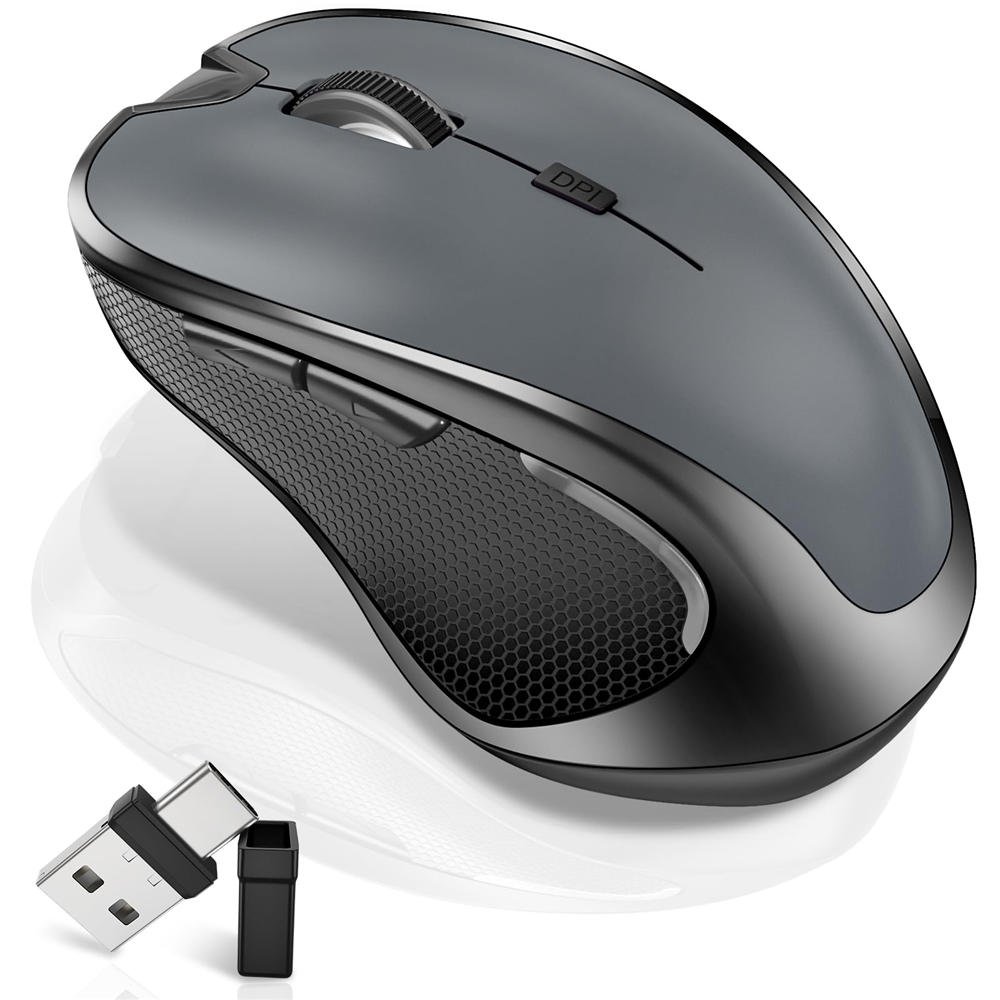
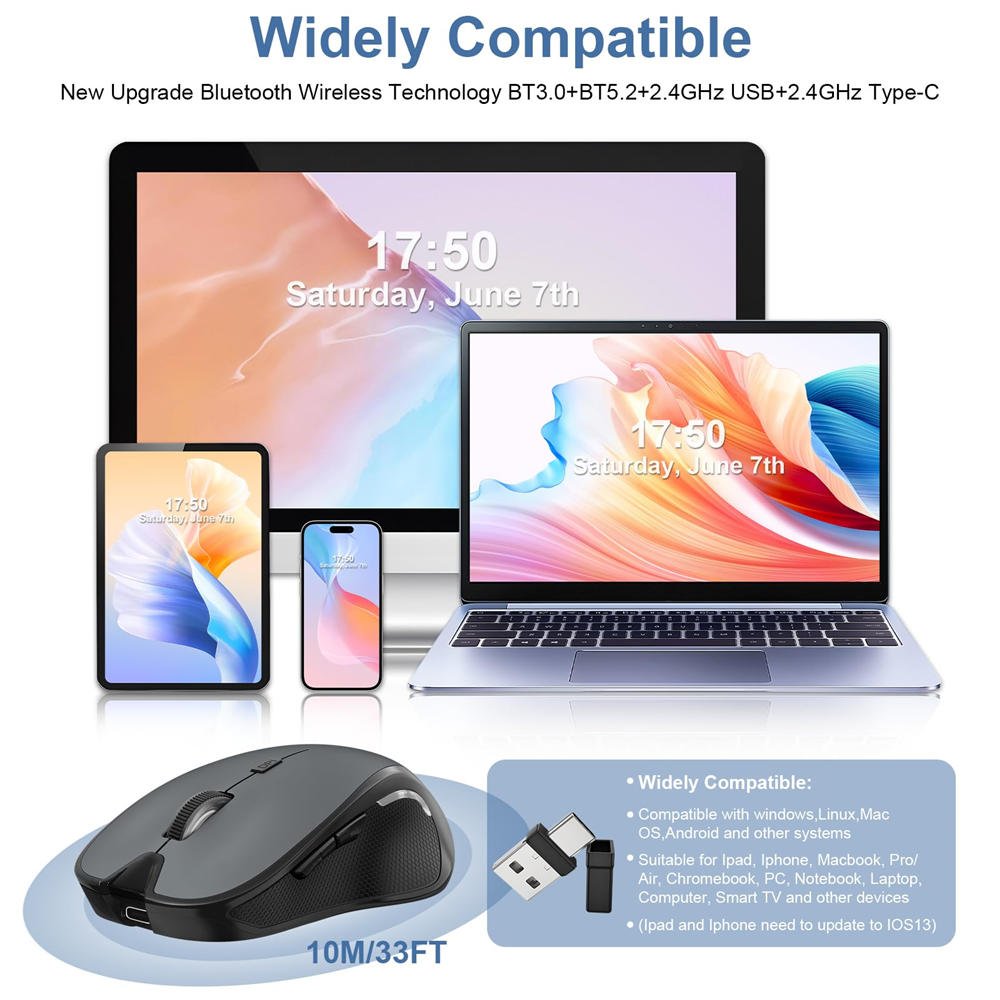
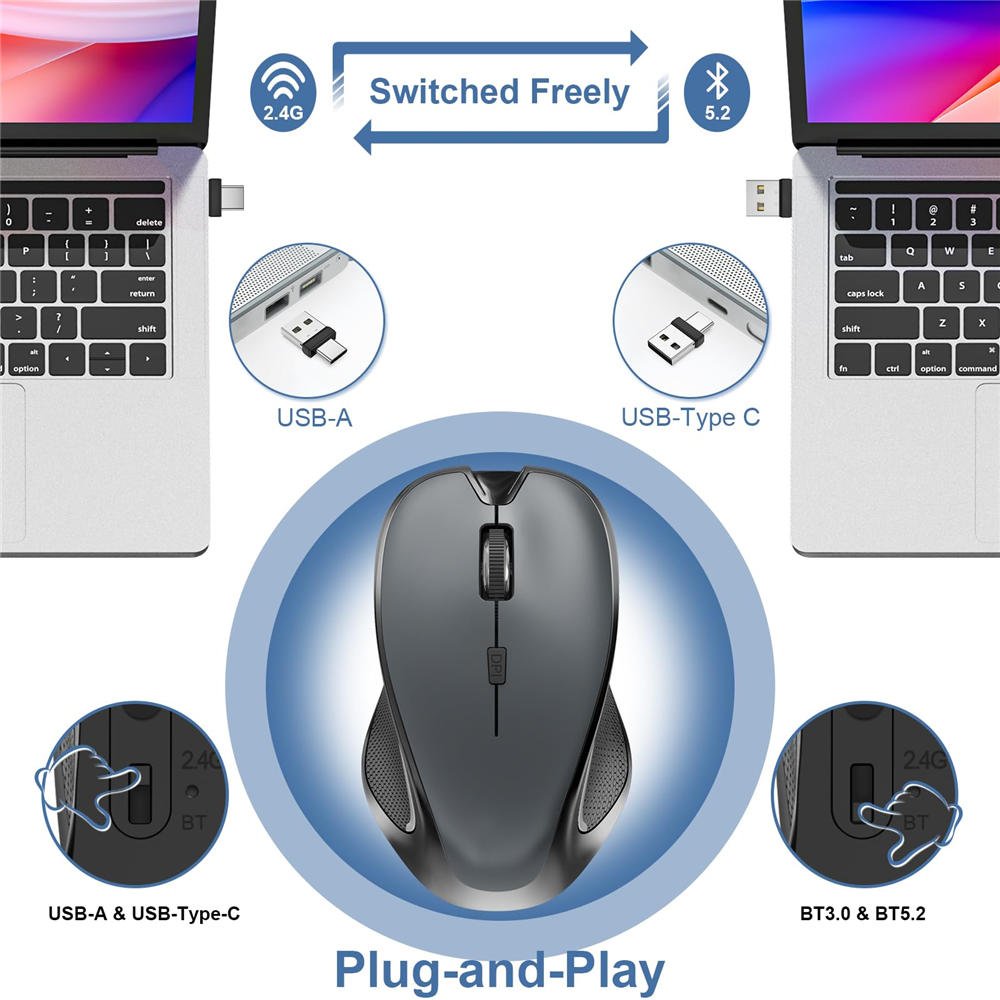

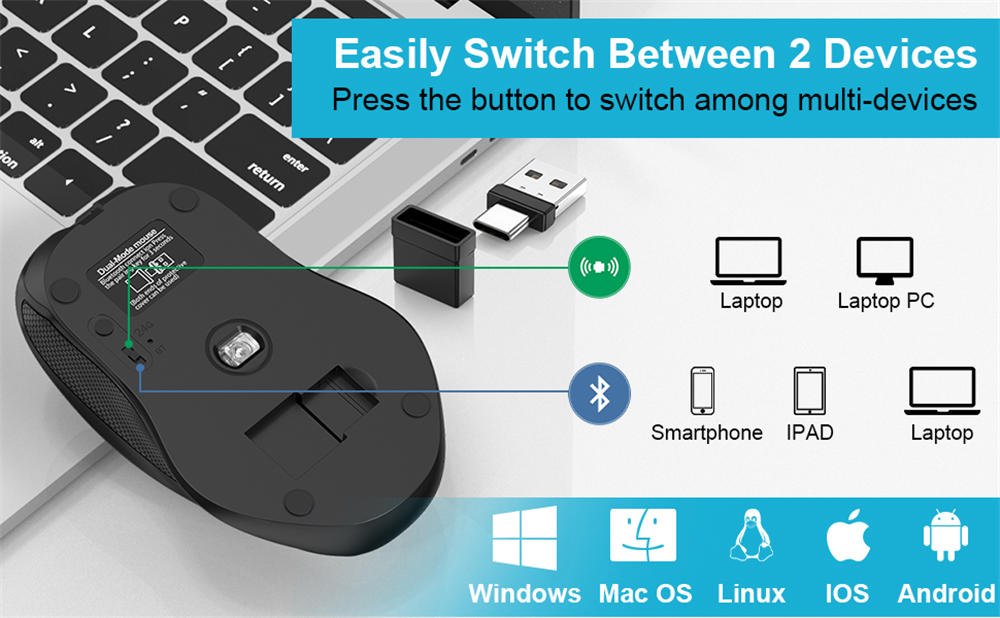
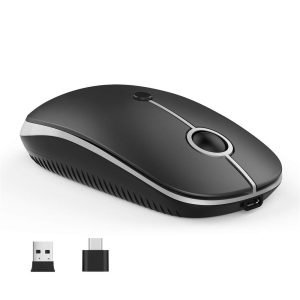
[New Upgrade Enable High-Efficiency Multiple Working Modes]: 4 Modes Mouse(BT5.2 & BT3.0 + 2.4GHz USB-A & 2.4GHz USB-C [Type-C],Dual-port receiver with integrated USB-A and USB type-C,Ulifeneed bluetooth wireless mouse realizes free switches between 2 devices in a wireless mouse only one switch. Simple & convenient to work from the desktop to the tablet, or laptop to Macbook, ect. Upgrade DPI button newly added jiggler mode feature.
[More Advanced Bluetooth Technology and Dual-port 2-in-1 Receiver 2.4GHz USB-A and USB-C ]: Ulifeneed bluetooth wireless mouse for macBook pro compatible with most system including PC,Notebook,Desktop,Pad,Laptop,mac OS; Support Win7/8/10/11 Linux OS X or Android Tablet.Wider application.
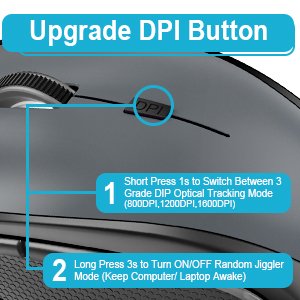
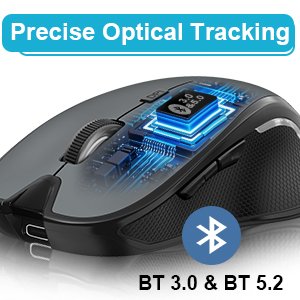
[Upgrade Newly Added Jiggler Mode & Adjustable DPI]: Upgrade DPI button; Short press 1s to switch between 3 adjustable grade DIP levels optical accurately tracking mode (800DPI、1200DPI、1600DPI). Advanced optical tracking technology with quick click and responsiveness; Long Press 3s to Turn ON/OFF random jiggler mode(randomly move the mouse pointer irregularly). Preventing computer into sleep,keep screen active.suitable for Online video meeting、Downloading files、Game tasks、Online class、Online reading、Remote operation,etc. It keeps the computer active.
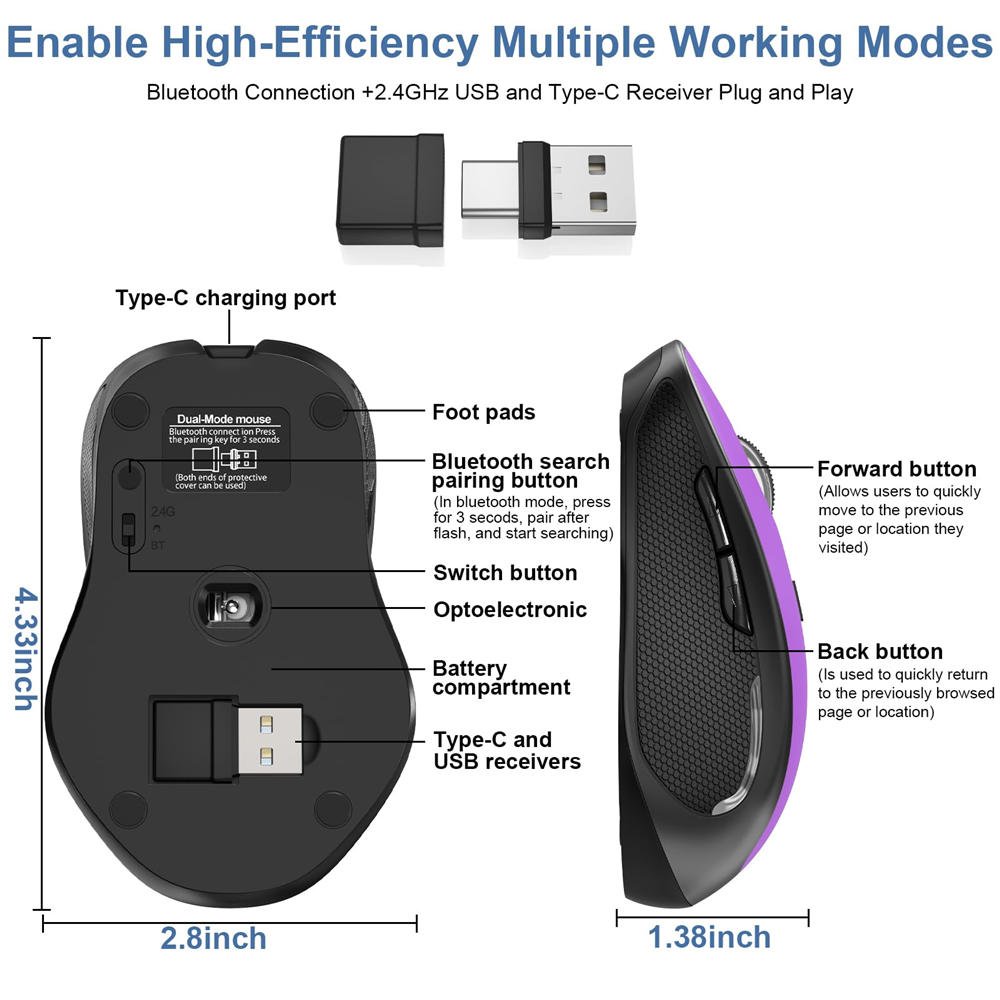
[Super Comfort & Silent Click]: Ergonomic design with elegant profile,contoured shape,slim design.The ABS+rubber scroll wheel makes sure that your hand will not slip when scrolling.The side scroll wheel (Forward/Back button) allows you to quickly move to the previous page or location visited/return to the previously browsed page. Responsive buttons provides very soft click with less noise, don’t worry about disturbing others. Ulifeneed bluetooth wireless mouse can meet your demand of daily office working and personal preference.
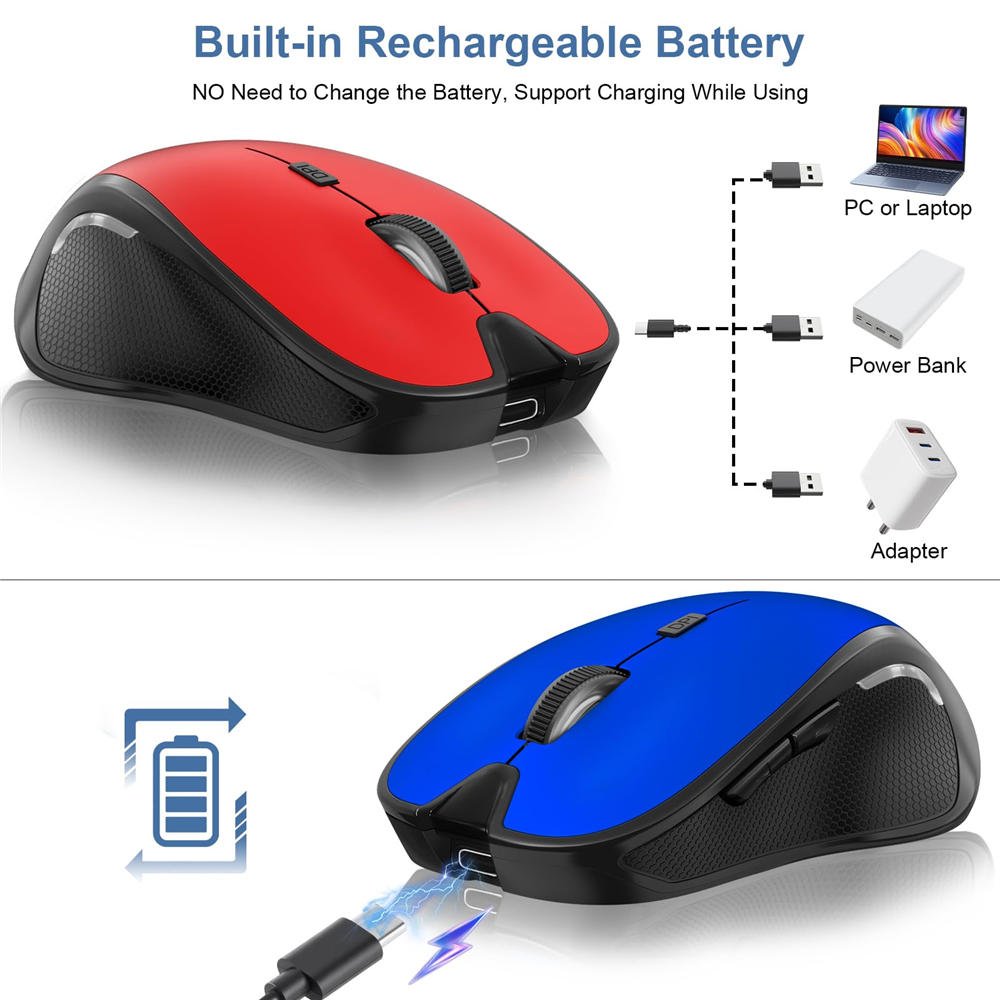
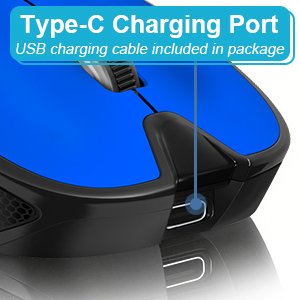
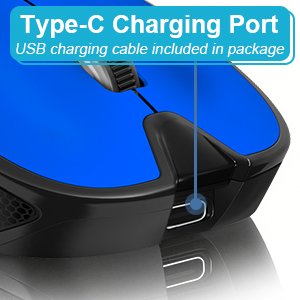
[Rechargeable Optical Bluetooth Wireless Mouse and Hassle-free Services]: Ulifeneed rechargeable bluetooth wireless mouse built-in durable 800mAh Li-polymer rechargeable battery, high cycle life, 2-4 hours full charge, lasting use time, work above 3-4 weeks, stand by for 90 days(Based on 8 hours average usage per day). If you do not use the mouse for eight minutes,It will go into sleep mode to save energy. Easily recharged through the included USB charging cable, No need to change the extra AAA battery, Eco-friendly and money-saving. Ulifeneed bluetooth wireless mouse is enjoys 60 days money-back and 12-month worry-free warranty.
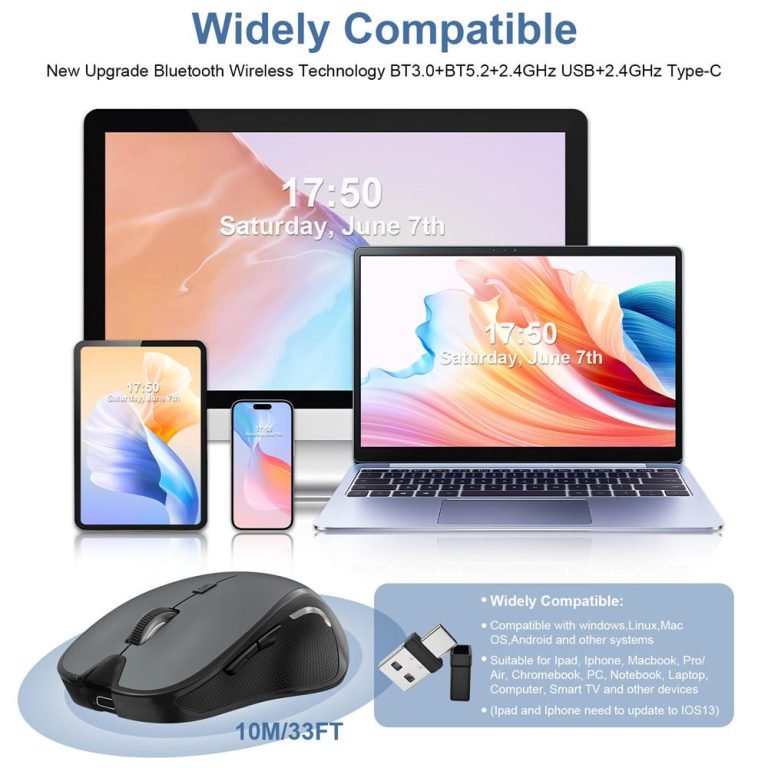

Broad Device Compatibility:Bluetooth wireless mouse for MacBook compatible with most system including PC Windows,Notebook,Pad,laptop,Mac;Linux;Android
How to use the Bluetooth mouse:
1. Charge for 2 hours before first use,the red light is on when charging,the red light is automatically extinguished when fully charged,pairing open the Bluetooth mouse (switch to “BT”position),press the black circle(bluetooth pairing key)”Bluetooth connection button”More than 3 seconds.
2. Turn on the computer Bluetooth or toward the Bluetooth signal in the bottom right corner of the computer screen. Right click to select “add device”, then the Bluetooth will enter the search state. (Note: Bluetooth normally has a Bluetooth logo in the lower right corner of the computer, if it normally starts.)
3. Wait for the computer to search interface into the Bluetooth device, the Bluetooth computer can search a mouse shape icon or “Bluetooth Mouse”(BT5.2 and BT3.0 switched freely)that is the Bluetooth mouse, and then click next to start the match, the pairing is successful mouse begin work.
[Note!]
√ If your device does not have Bluetooth, you need to install the Bluetooth adapter first.
√ If you do not use the mouse for a long time, turn off the “ON / OFF” switch.
√ In order to save battery life, please do not charge the mouse when there is electricity.
√ Rarely occurs on the mouse connection problem, if the connection is not on the deletion of the current Bluetooth driver, and download the correct Bluetooth
How to use the 2.4G wireless mouse:
Charge for 2 hours before first use,the red light is on when charging, the red light is automatically extinguished and show blue light when fully charged,Press The Mode Toggle Button On The Bottom of The Mouse pairing open the 2.4G mouse (switch to “2.4G”position), Take out the usb and Type-C 2-in-1 receiver from the slot at the bottom of the wirless mouse, then select one end and insert it into the corresponding device’s port. Type-C or USB receiver Plug-and-play

![USB Type C Cable 2.1A Fast Charging: [90 Degree/6ft/3Pack] Nylon USB C Cord Right Angle Compatible with Samsung Galaxy S23/S22/9/Note 10, USB C Charger-Blue/Magenta/Purple](https://ulifeneed.com/wp-content/uploads/2025/11/007-1-300x300.jpg)
![Micro USB Cable, 2 Pack [6FT, 6FT], Fast Charging Cable, High Speed Android Charging Cable, Android Phone Cable for Samsung Galaxy S7 Edge S6 S5 and More, Trustable](https://ulifeneed.com/wp-content/uploads/2025/11/012-1-300x300.jpg)
Reviews
There are no reviews yet.