




Original price was: $79.00.$35.99Current price is: $35.99.
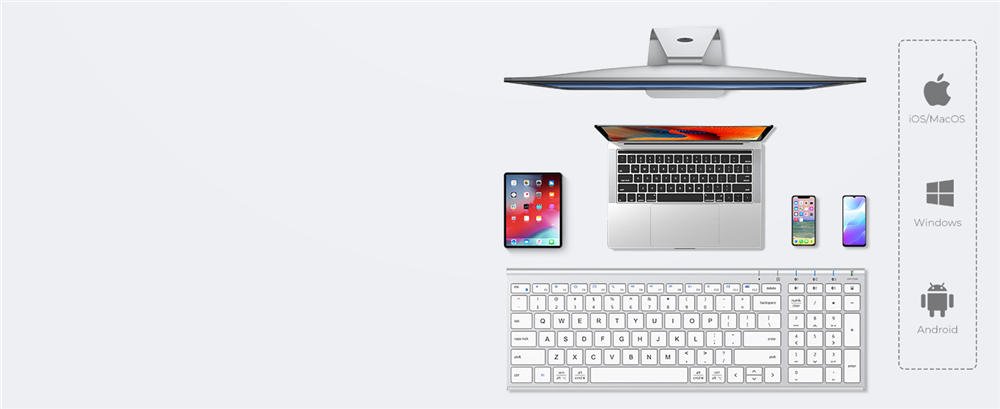
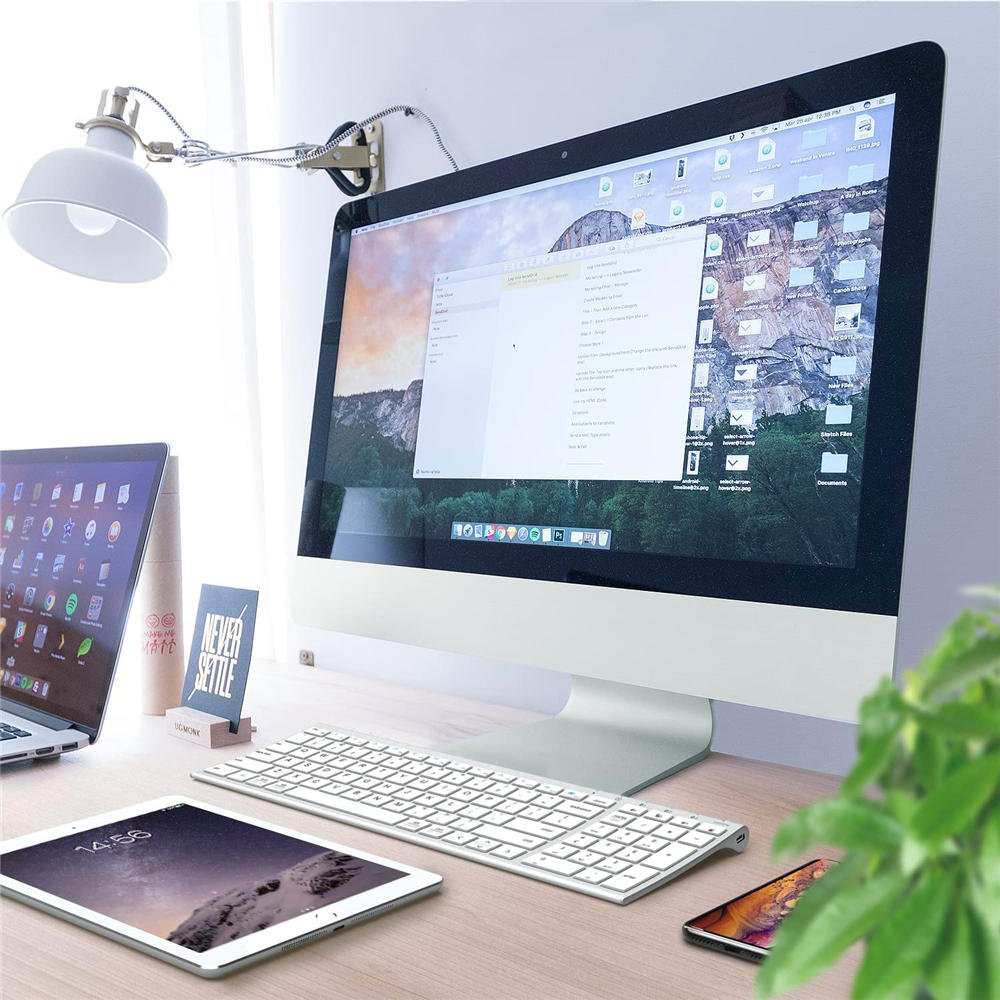
Compatible Devices: Windows 10/11; macOS 10.15+; iPadOS 13.4+; Android 9+; ChromeOS (BT 4.0+)
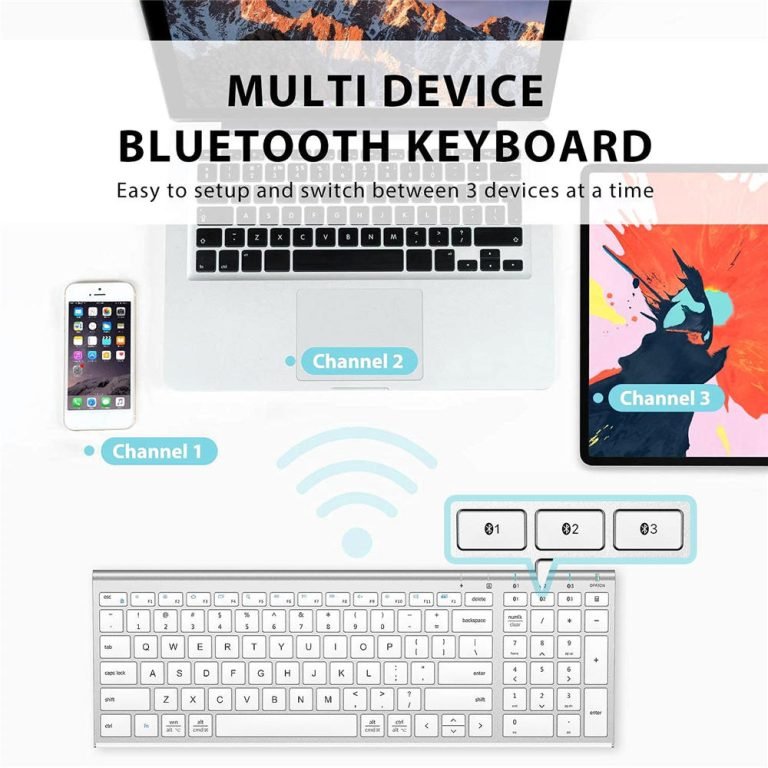
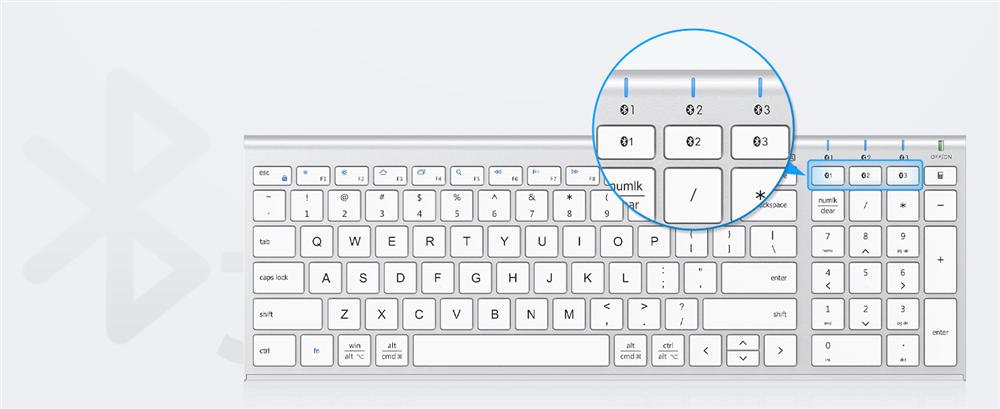
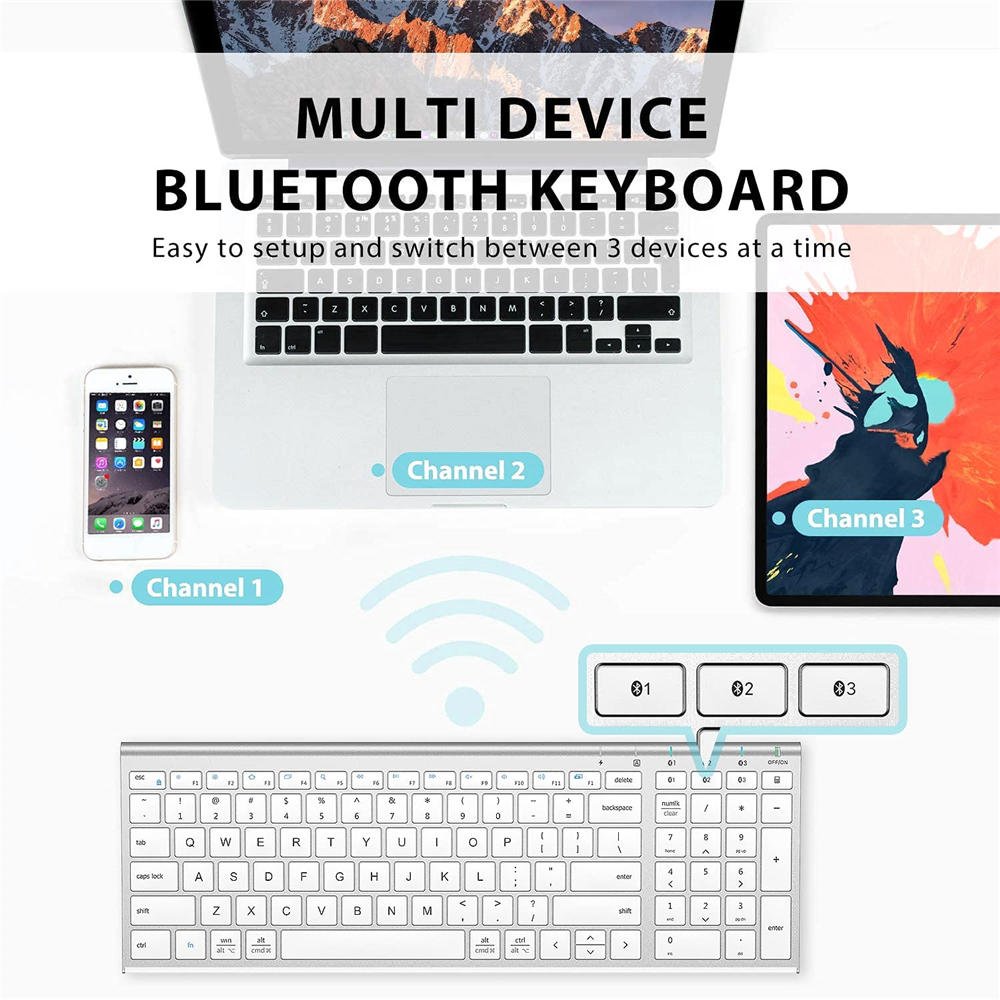
Connectivity Technology: Bluetooth (33 ft), 3-device quick-switch
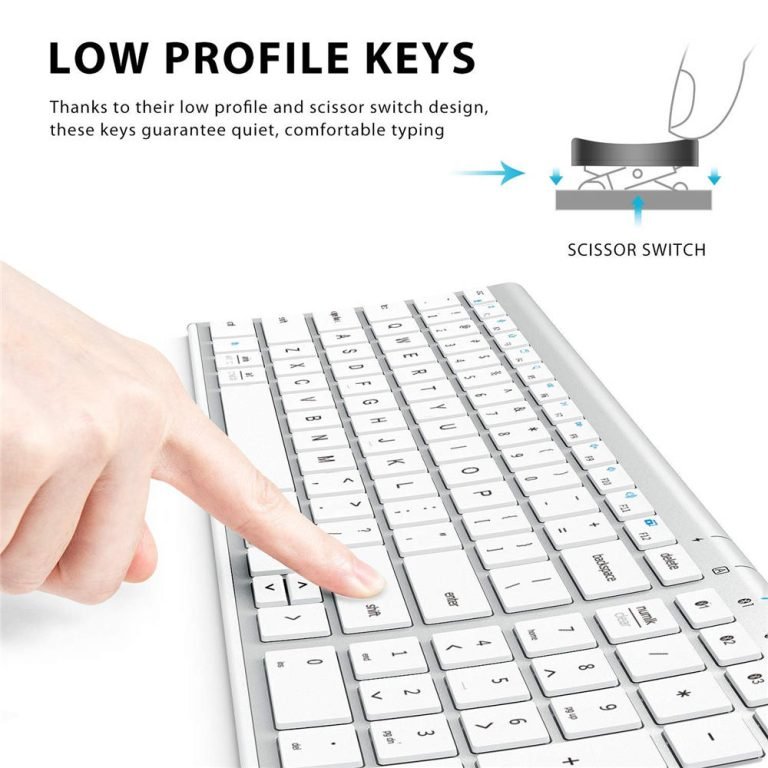
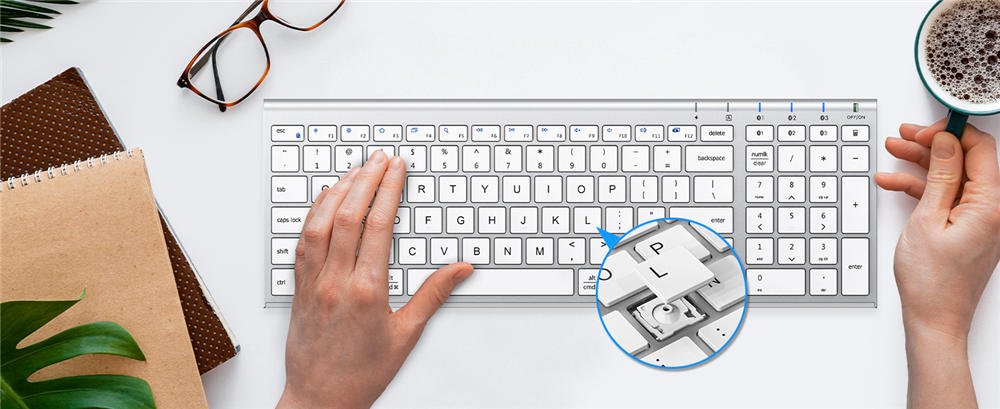
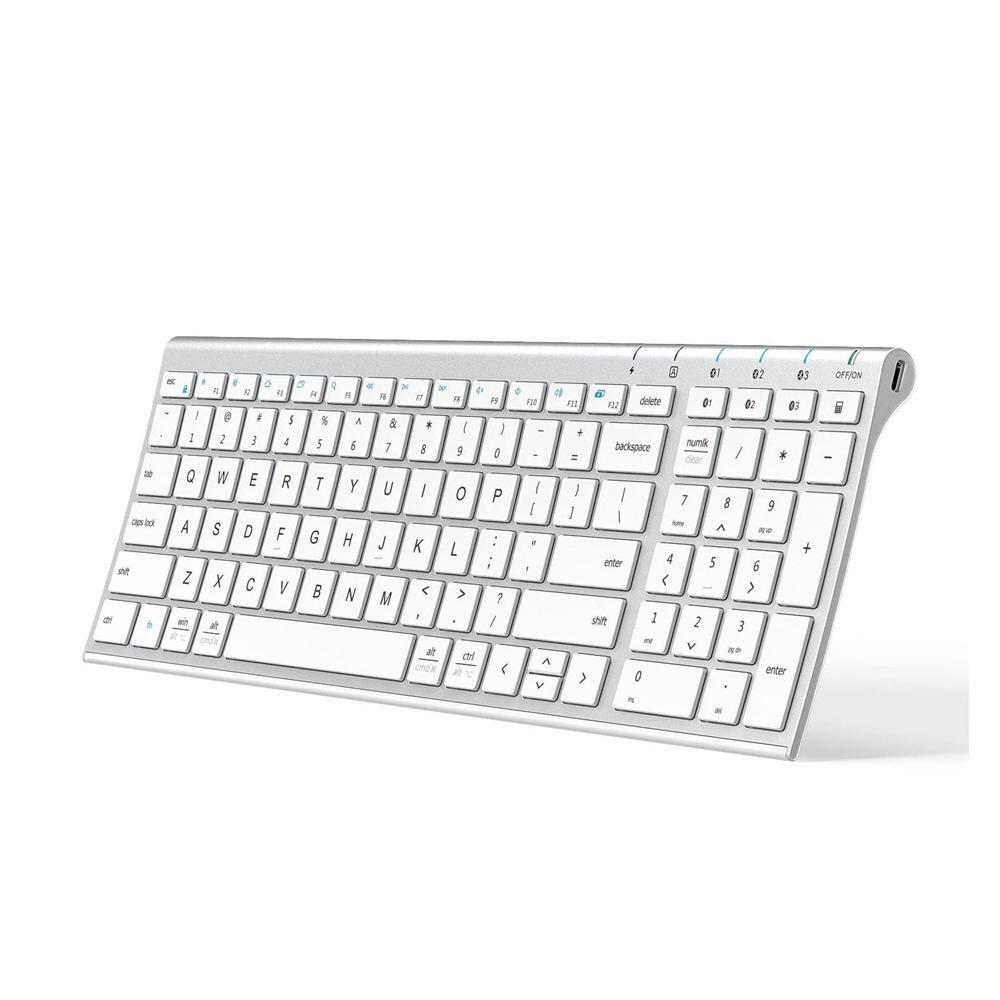
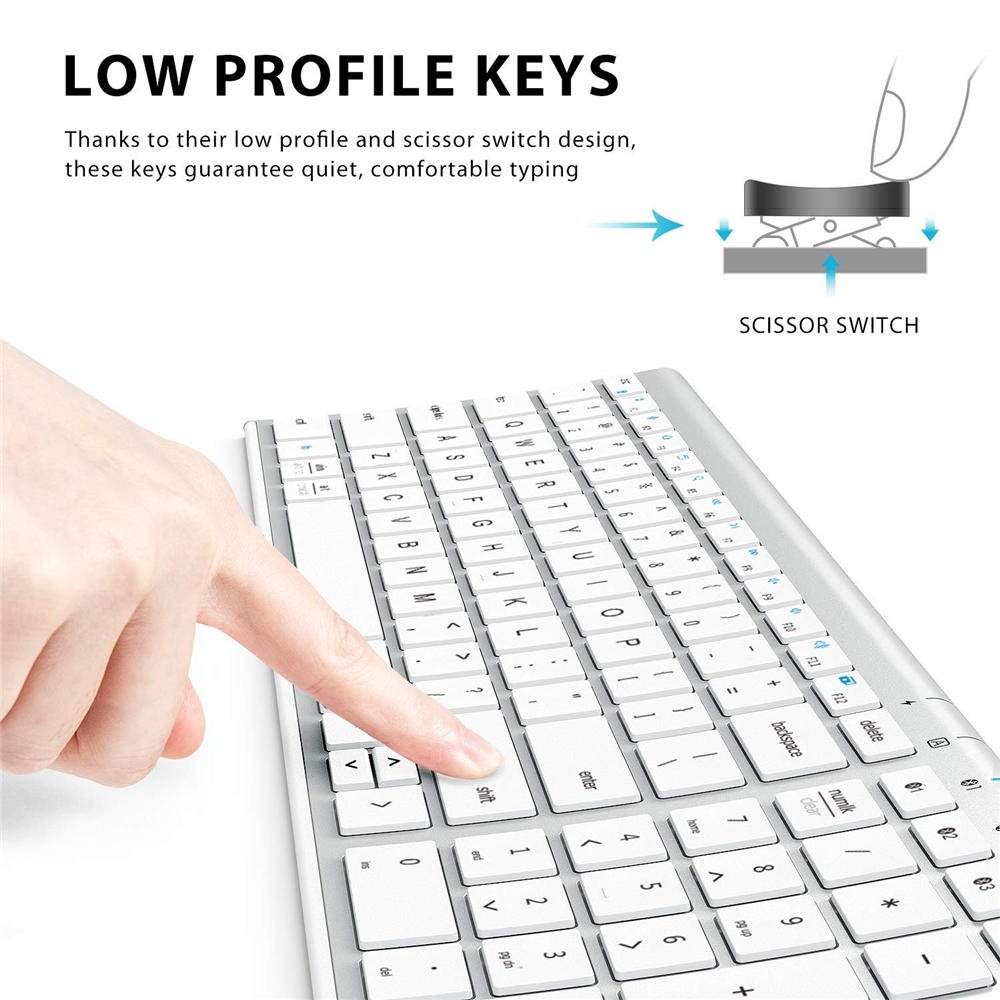
Keyboard Description: Compact Bluetooth keyboard, Quiet scissor-switch keys (< 50 dB) , 3-device pairing, 99-key US QWERTY layoutCompact Bluetooth keyboard, Quiet scissor-switch keys (< 50 dB) , 3-device pairing, 99-key US QWERTY layout
Recommended Uses For Product: Office, home office, study sessions, classroom note-taking, coding, data entry, laptop-stand setups, remote/Zoom meetingOffice, home office, study sessions, classroom note-taking, coding, data entry, laptop-stand setups, remote/Zoom meeting
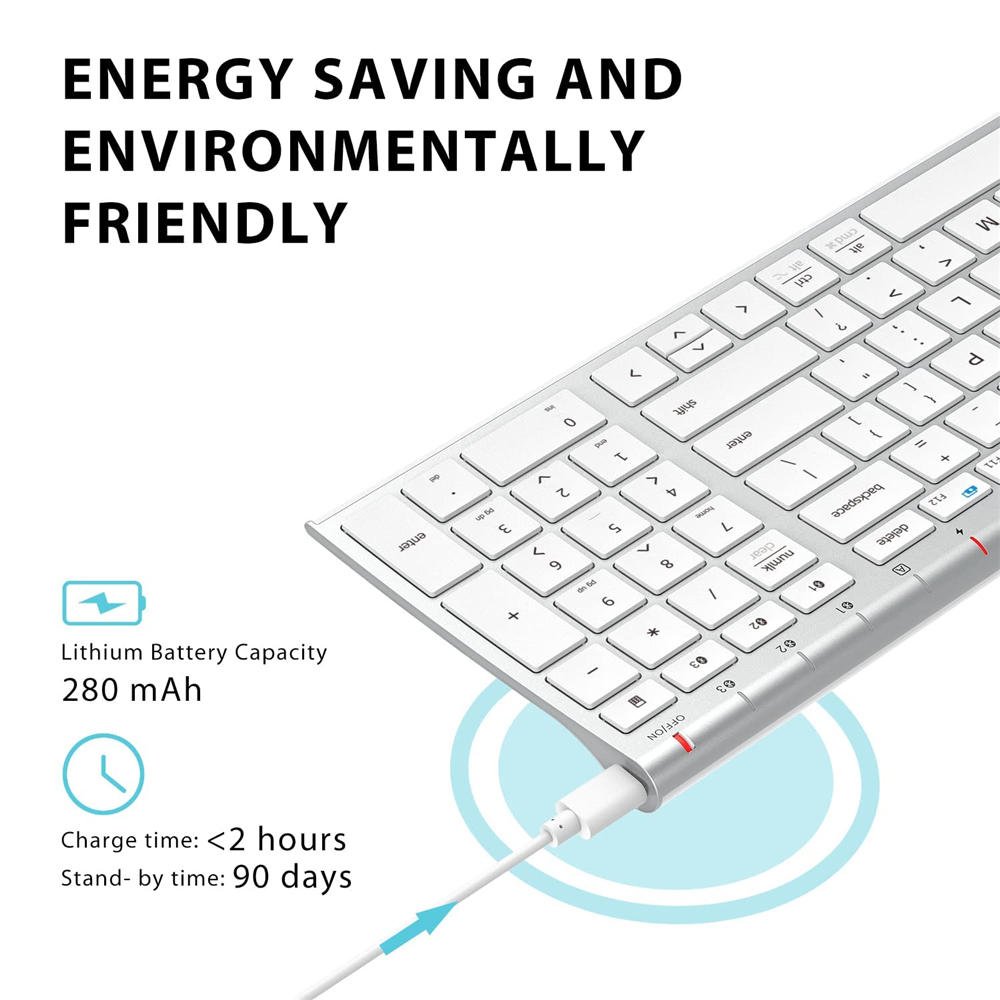
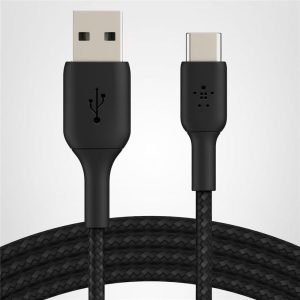
Special Feature: Quiet typing < 50 dB; USB-C 280 mAh rechargeable (≈ 45 days @ 8 h/day); low-battery LED; 30 min auto-sleep; multi-deviceQuiet typing < 50 dB; USB-C 280 mAh rechargeable (≈ 45 days @ 8 h/day); low-battery LED; 30 min auto-sleep; multi-device
Color: silver
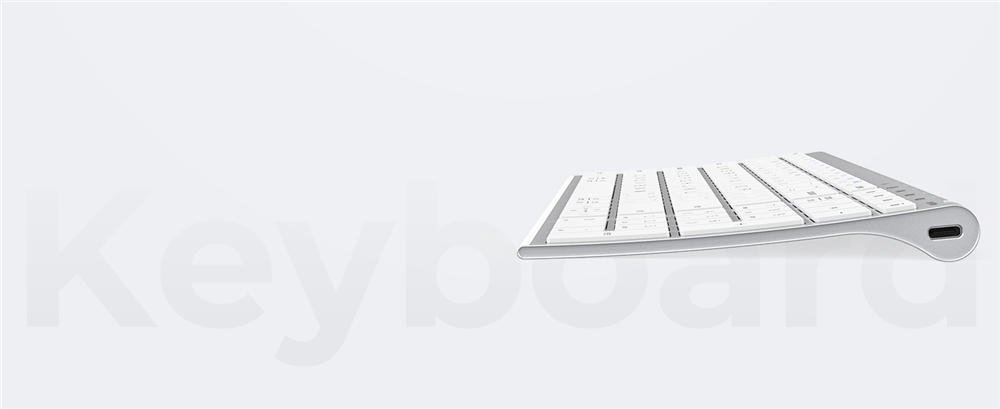
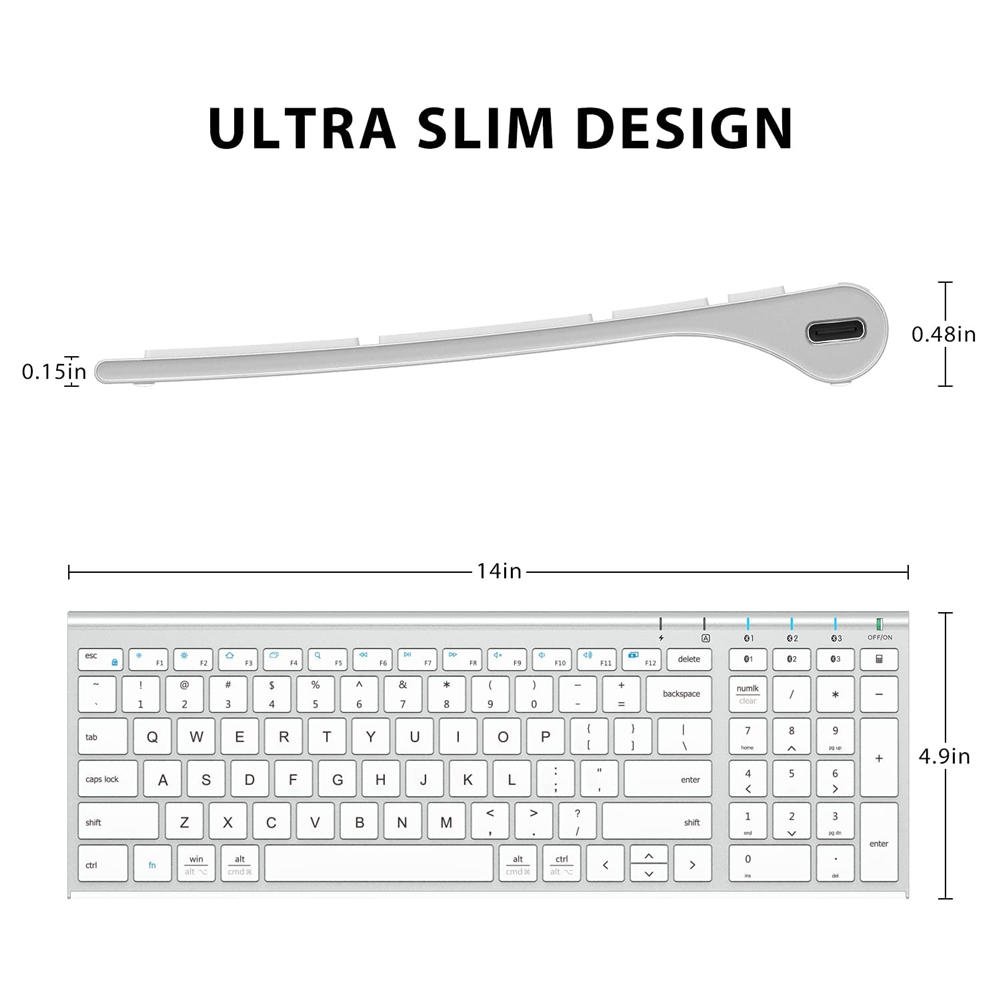
Product Dimensions: 13.99″L x 4.9″W x 0.15″H
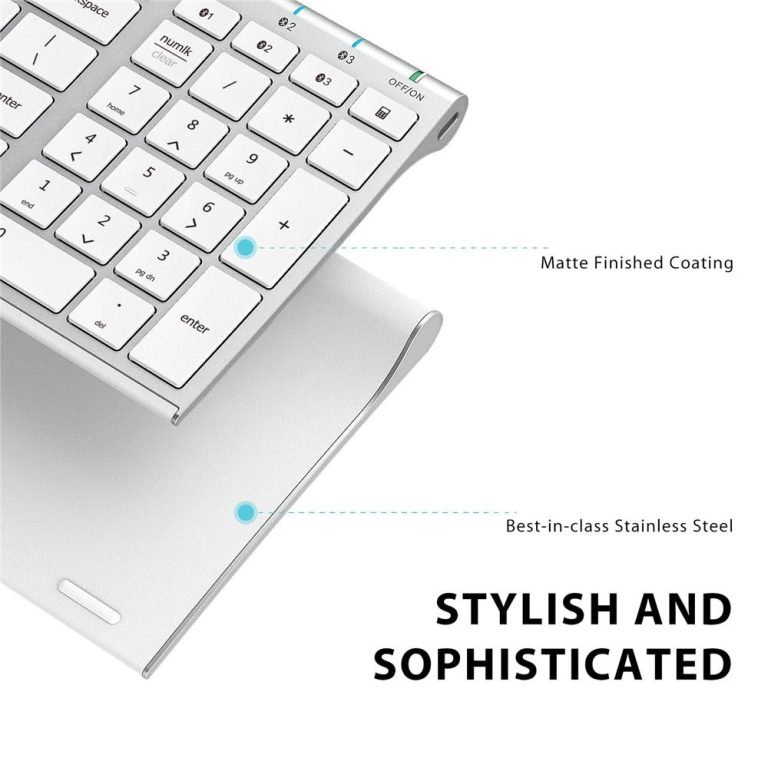
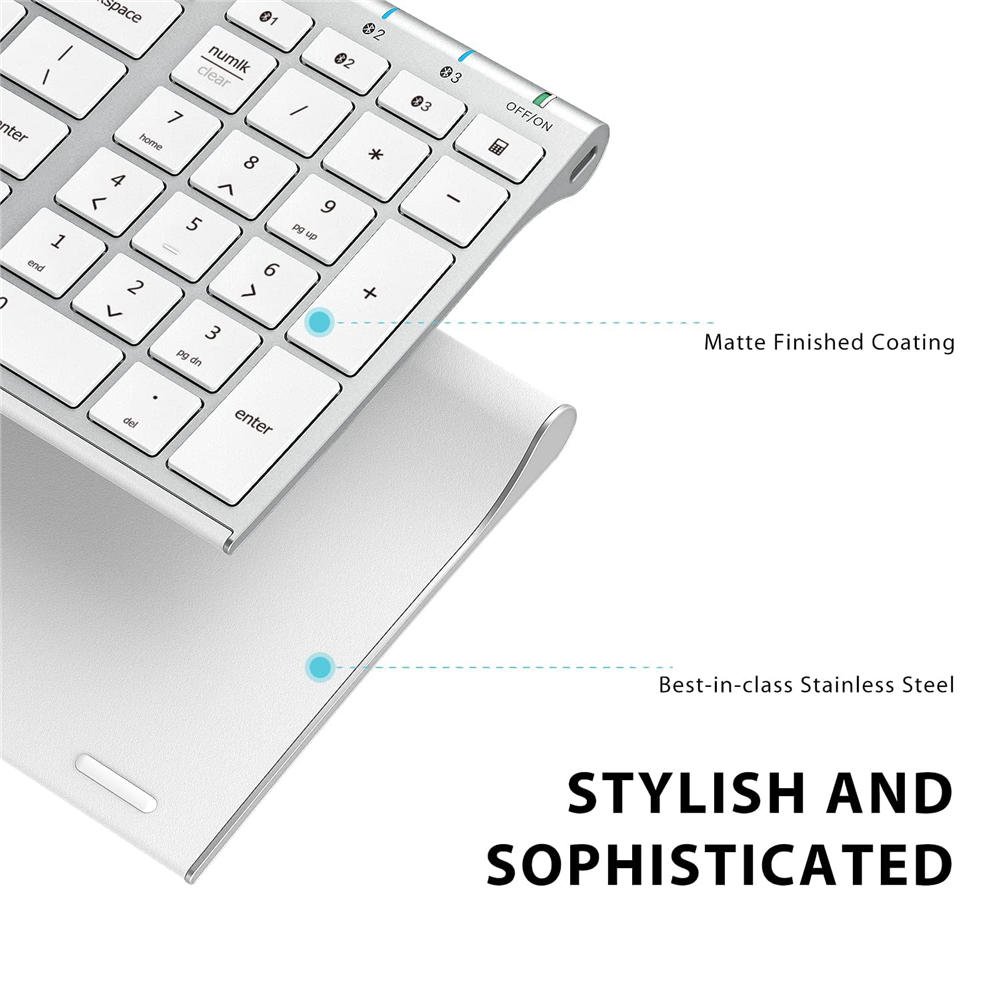
Material: Powder-coated steel base + ABS top frame
Included: Components Silicone Keyboard Cover, 1-year limited hardware warranty

Reviews
There are no reviews yet.